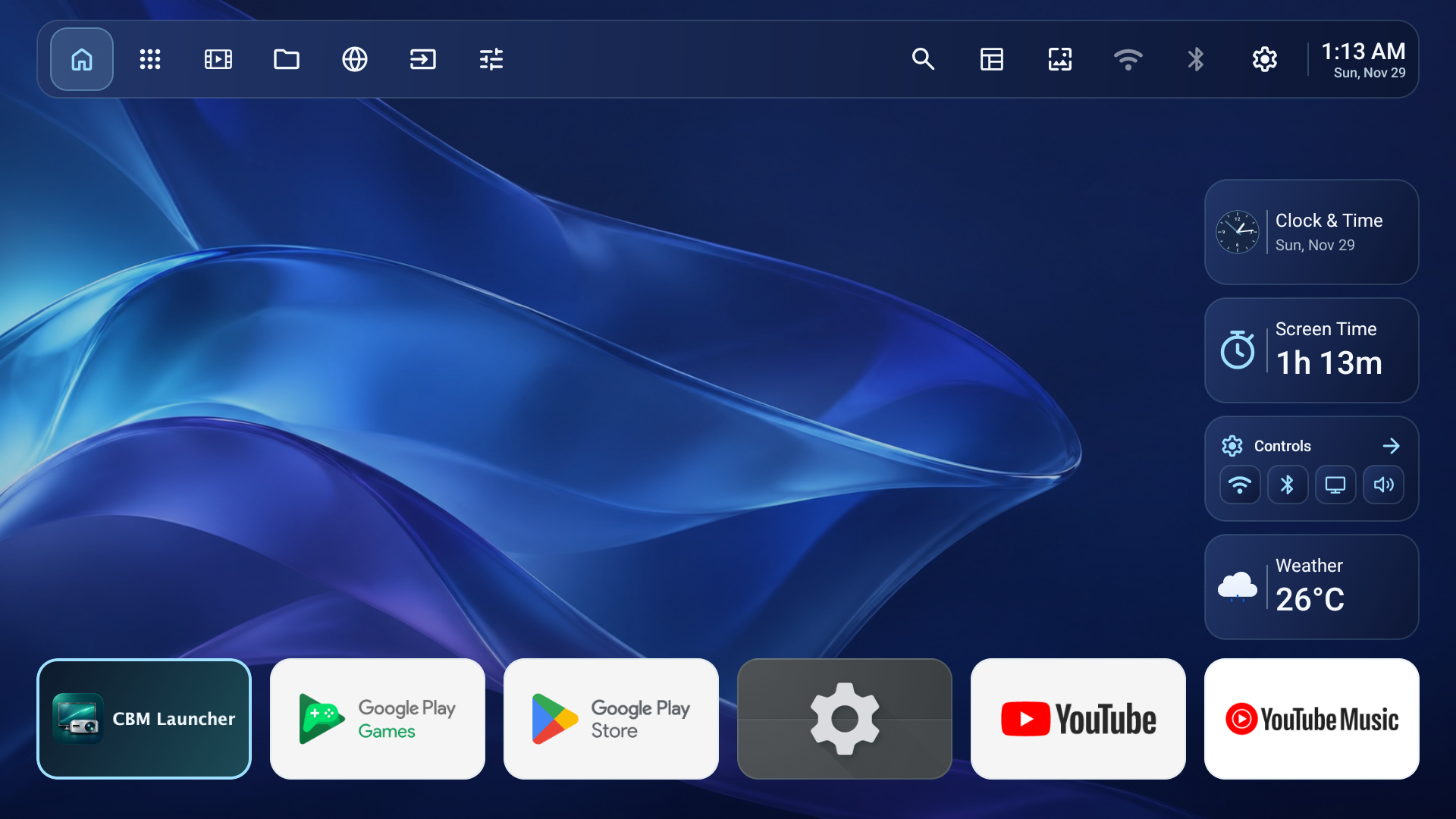
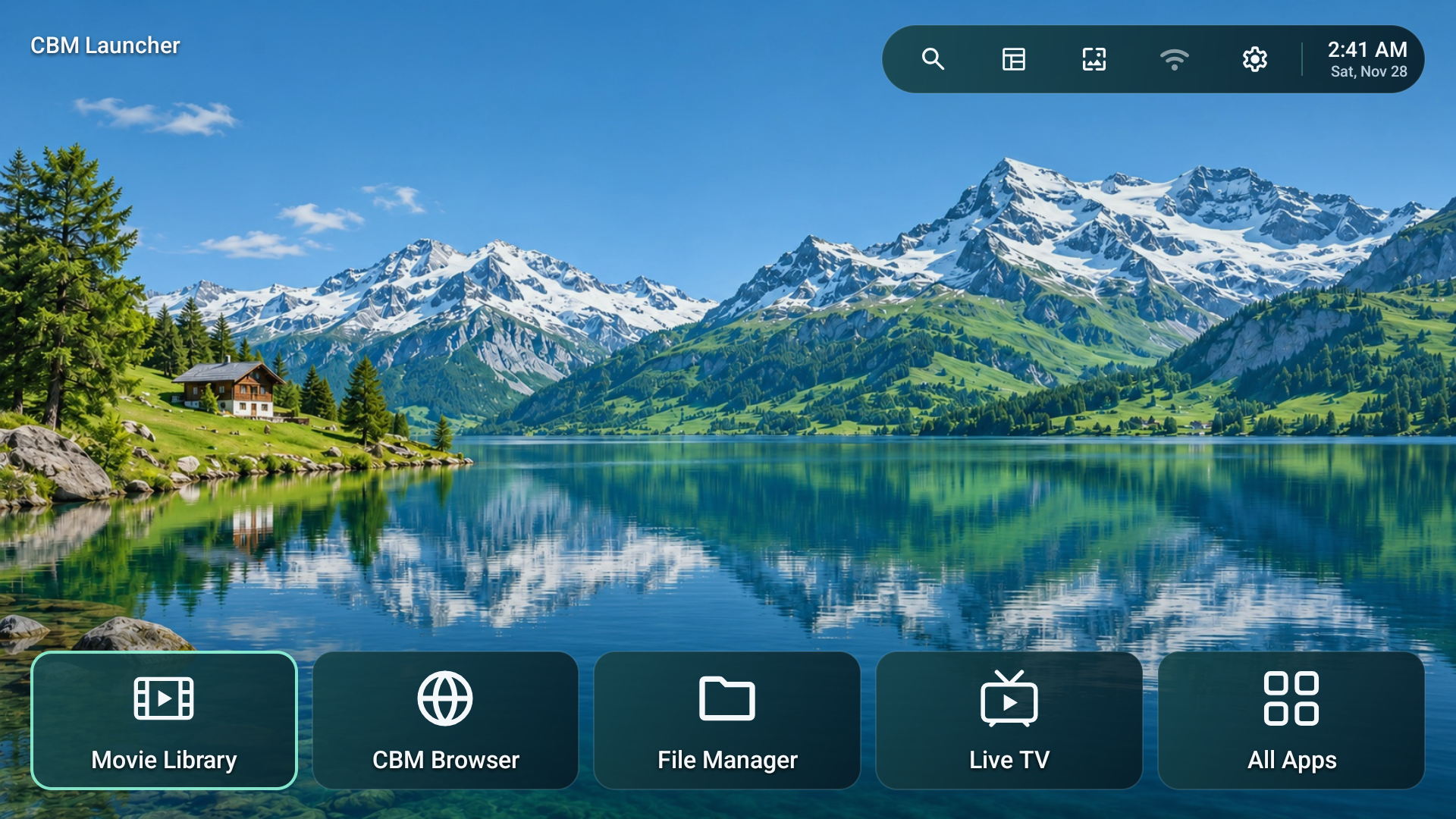
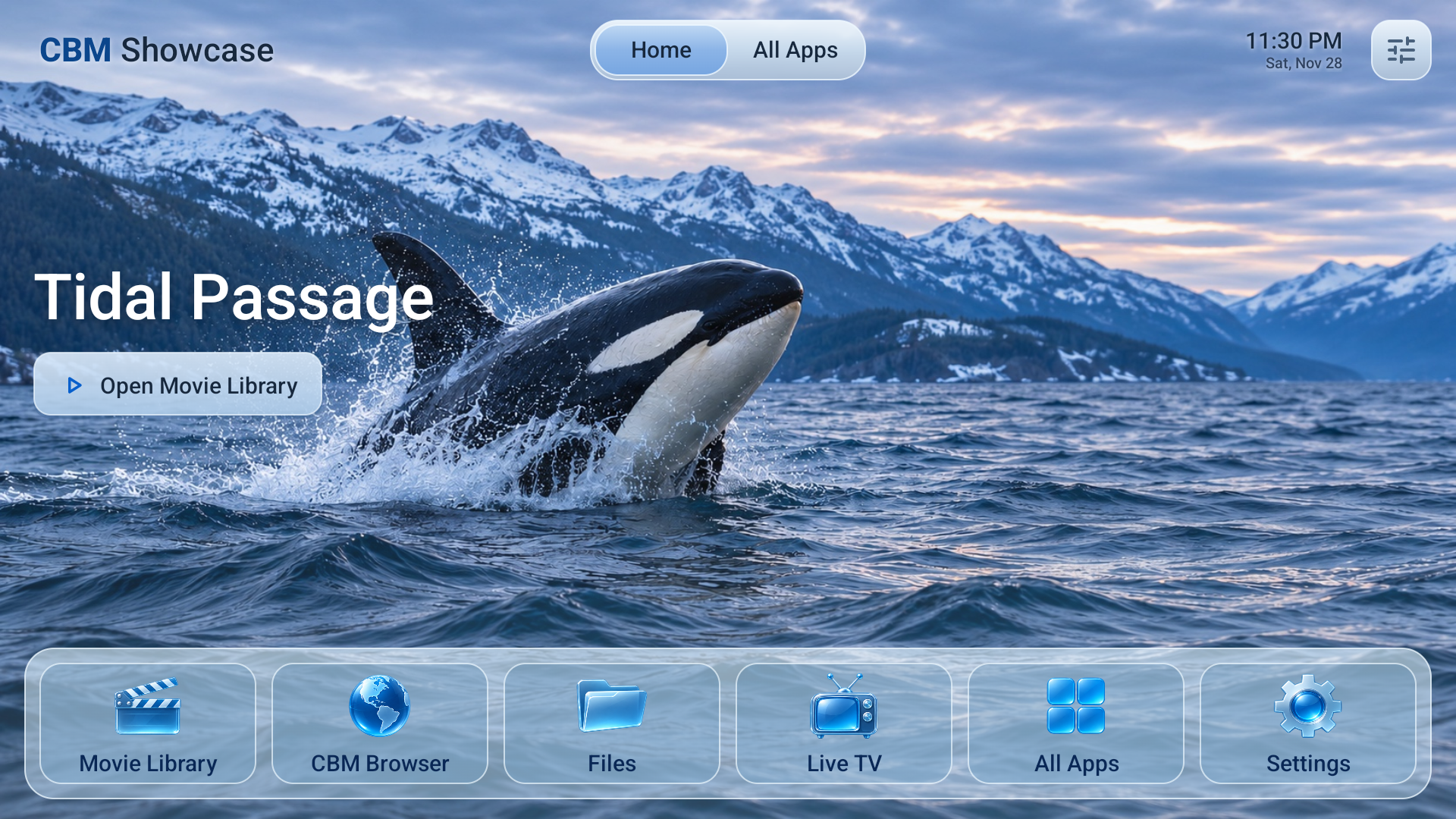
A home for your apps
Organize your apps and favorites, personalize your layout and choose a wallpaper that makes the big screen yours.
Your favorite apps, a full web browser and the media you keep. CBM Launcher brings them together in a space you can make your own.
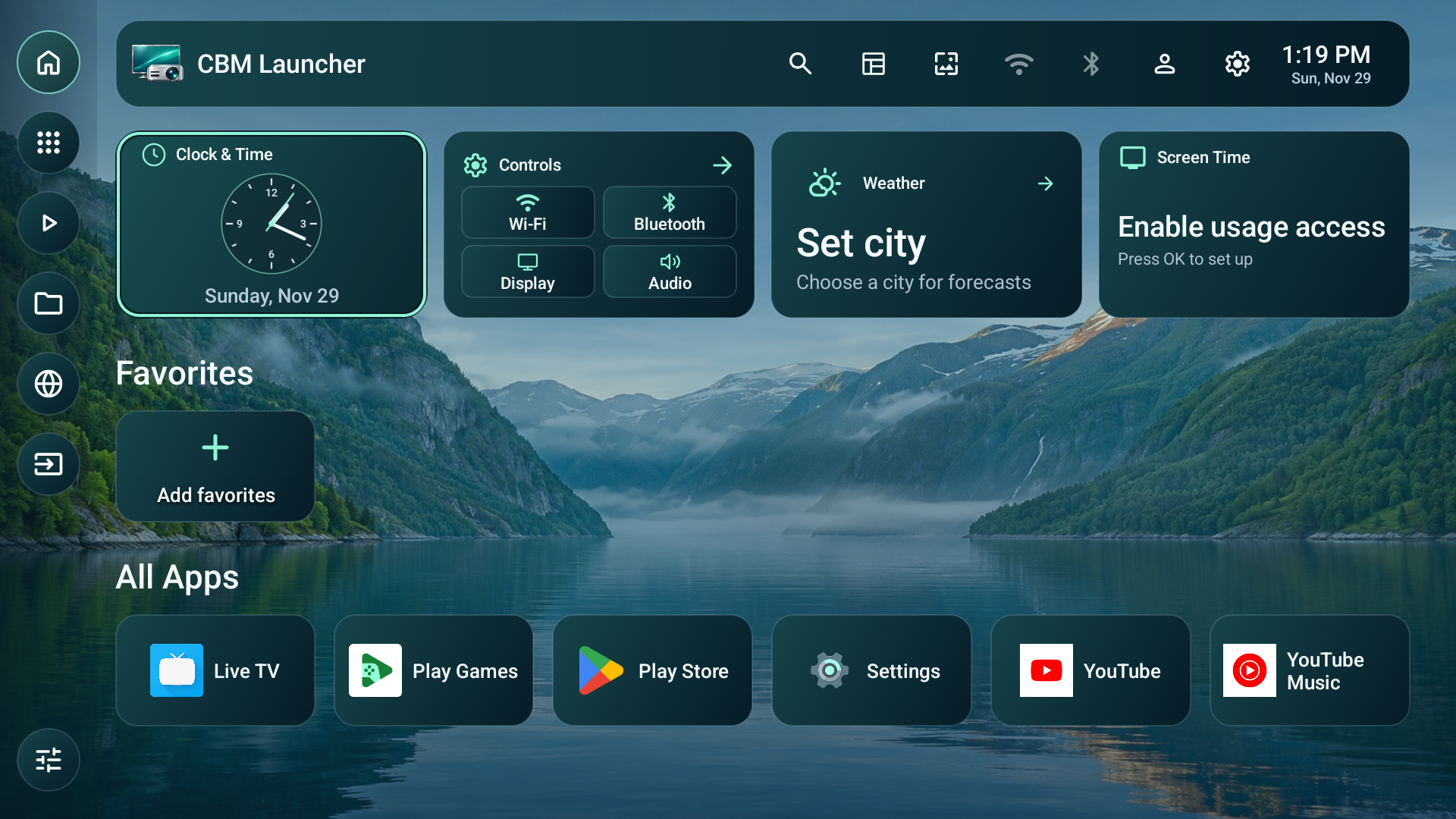
Settle in with a home screen built around the way you use your TV. Navigate with your D-pad, choose your favorites and keep the things you use within reach.
Organize your apps and favorites, personalize your layout and choose a wallpaper that makes the big screen yours.
Browse websites with your remote. Switch to Desktop view, save bookmarks and keep track of your downloads.
Choose folders through Android’s file picker. Browse your files, play local videos and open photos or audio.
No CBM account is needed. Your layout, bookmarks and media history stay on your TV. Weather and voice input are optional, and use the providers described in our privacy policy.
Read our privacy policyCBM Launcher is a home-screen app for Android TV. It brings together your installed apps, a TV web browser and tools for local files and media. It does not include a subscription TV service or a library of movies.
CBM Launcher uses Android’s standard Home setup. Whether your TV lets you choose a different default Home app depends on its manufacturer and system software.
You choose the folders CBM can access through Android’s folder picker. Some TVs do not include a compatible picker, and Android may restrict drive roots or particular folders. Access depends on your TV and the selected storage provider.
Email support@appeena.com. Include your TV model, Android version and a description of what happened. Please avoid sending passwords or private files.